
Resource block
The resource block is a content unit that represents an individual resource item within a listing. It displays a title, a cover image, a description, and citation metadata. The block supports a range of resource types, including blog posts, videos, webinars, case studies, solution briefs, white papers, and reports. This block is used as the primary content unit in the Blog and Resources.


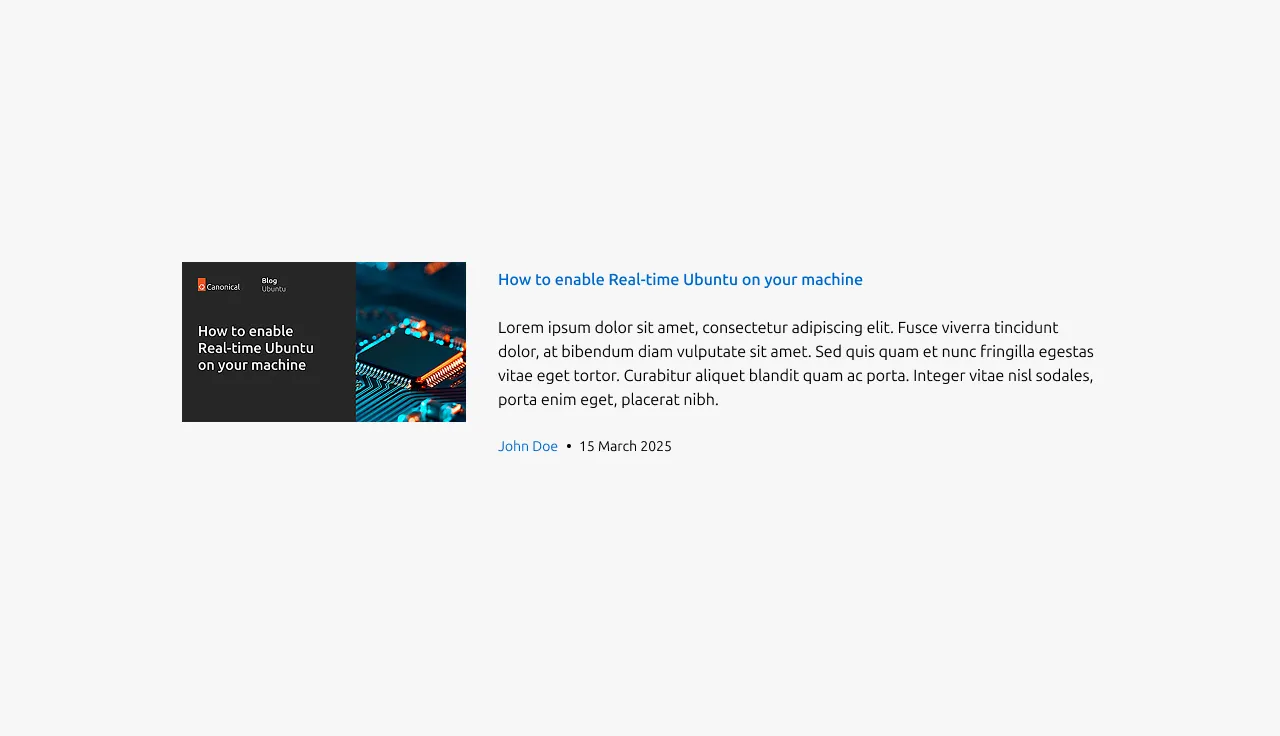
Anatomy
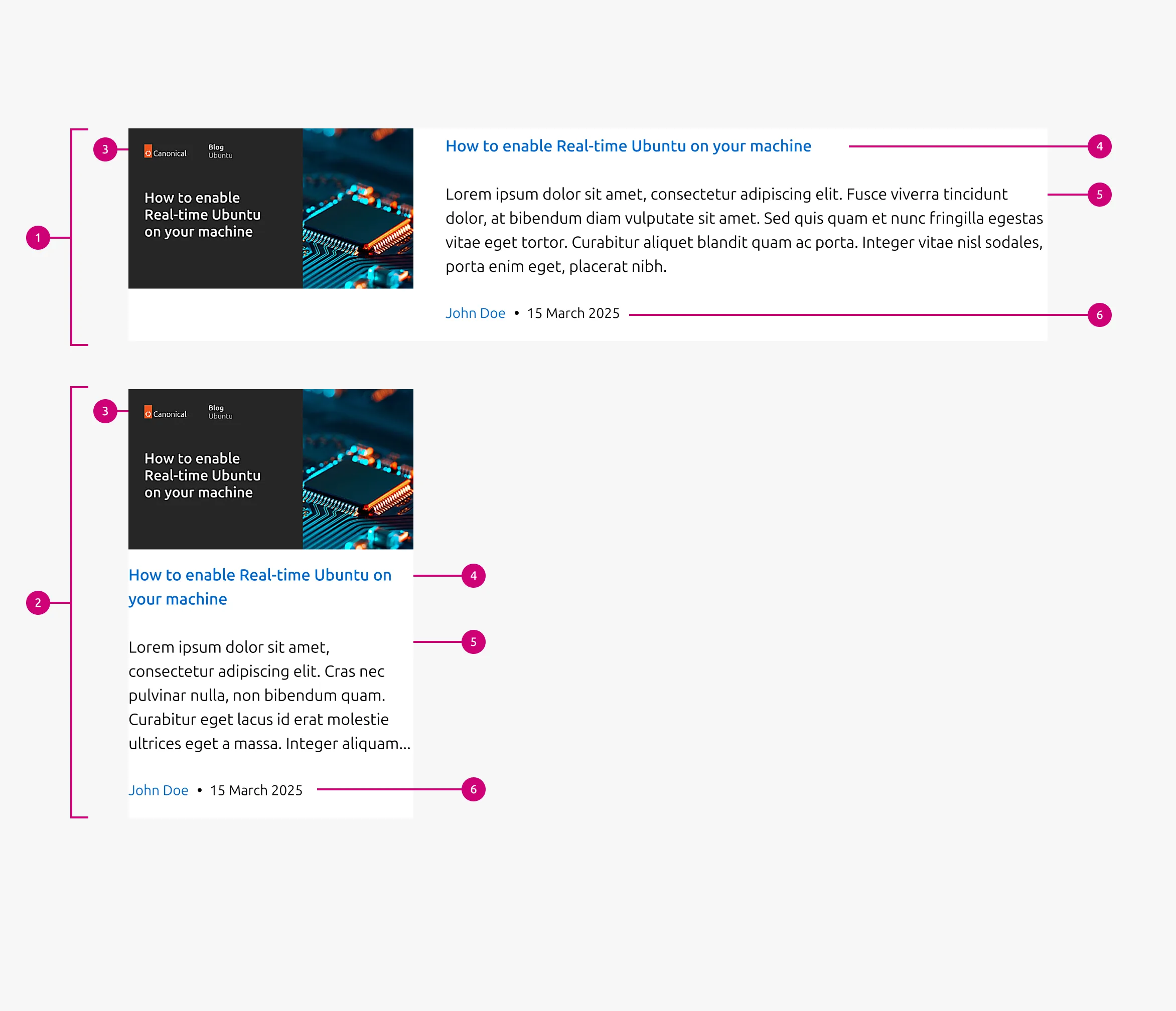
Usage
Use Resource block to present scannable listings of editorial or knowledge-driven content. It supports a range of resource types, including blog posts, videos, webinars, case studies, solution briefs, white papers, and reports.
Where to use
Resource block can appear in the following patterns and contexts:
Layout
Resource block comes in two layouts:
Horizontal layout : It places content in a single row, with the image on one side and the title, description, and citation stacked in a column on the other. The cover image is optional. When included, it can be either a 16:9 image or a fixed-size logo.
Vertical layout : It stacks content in a single column in the order: image, title, description, and citation. The cover image is required and uses a 16:9 ratio.
When to use
- Each item represents a standalone piece of content with a title and short preview
- Users need to scan multiple items quickly before navigating to one
- Content may be dynamically fetched or statically configured
When not to use
- When the content is purely textual without article-level separation, use Tiered block or Equal height block instead
- If items require rich structured elements (such as lists, code blocks, or calls to action) within the preview, consider converting them into a section-level layout using a Basic section or Divided section instead
Properties
| Name | Type | Required | Description | Constraint | Options | Default option |
|---|---|---|---|---|---|---|
| Article title | string | Yes | Title configuration for the article; functions as a link to the resource | Dynamic: - Static: up to 100 characters | - | - |
| Article description | string | No | Description text for the article Dynamic: displays the first 180 characters of the article. Static: a custom description should be provided. | Dynamic: 180 characters (with the truncation) Static: up to 300 characters | - | - |
| Citation author | string | No | Author name text in the citation | Up to 20 characters | - | - |
| Citation date | string | No | Publishing date in the citation format “DD Month YYYY” | - | - | - |
| Image | object | No | Cover image for the article. In the blog pattern, it is required and falls back to a default image when not provided. In the resources pattern, it supports 16:9 image, logo, or none as options. | - | - | - |
| Citation | object | No | Author/date field in small text and supports showing either or both. | - | - | - |