
Blog
The blog pattern displays 3 to 4 blog articles in a grid layout. Each article shows a cover image, title, description, author information, and publication date. Articles can be loaded dynamically or provided statically. Designed to highlight recent contents in specific topic, the pattern offers users quick access to featured blog posts.


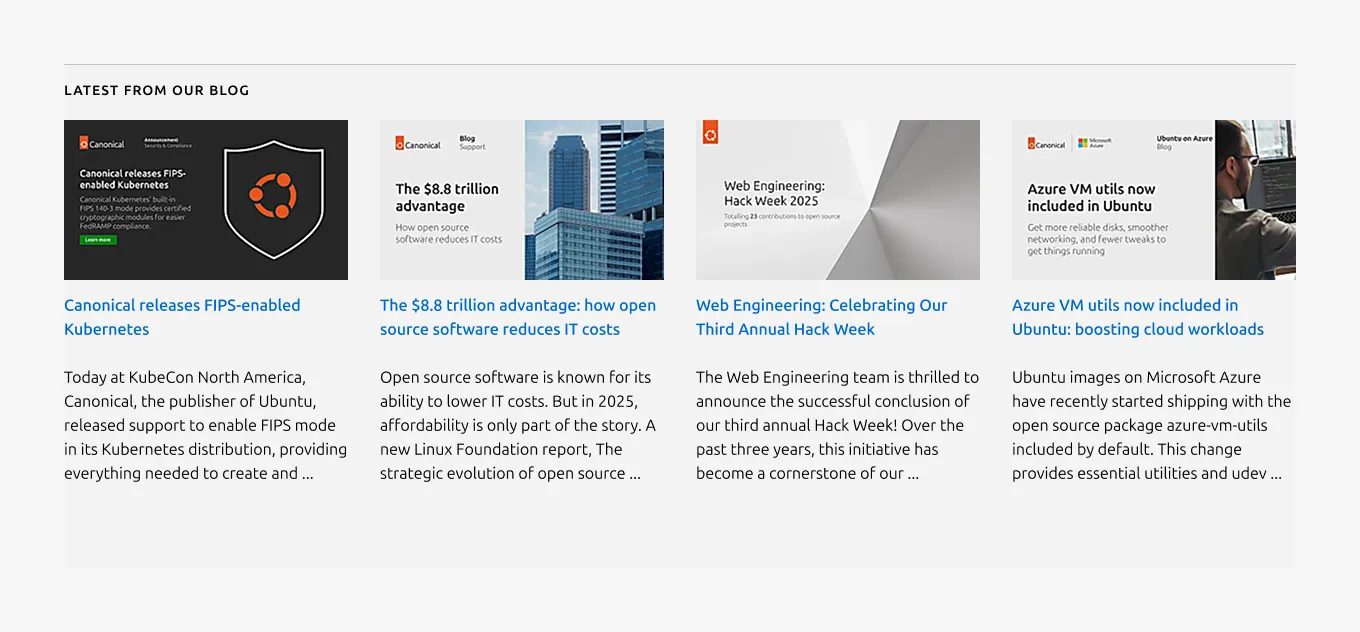
Anatomy
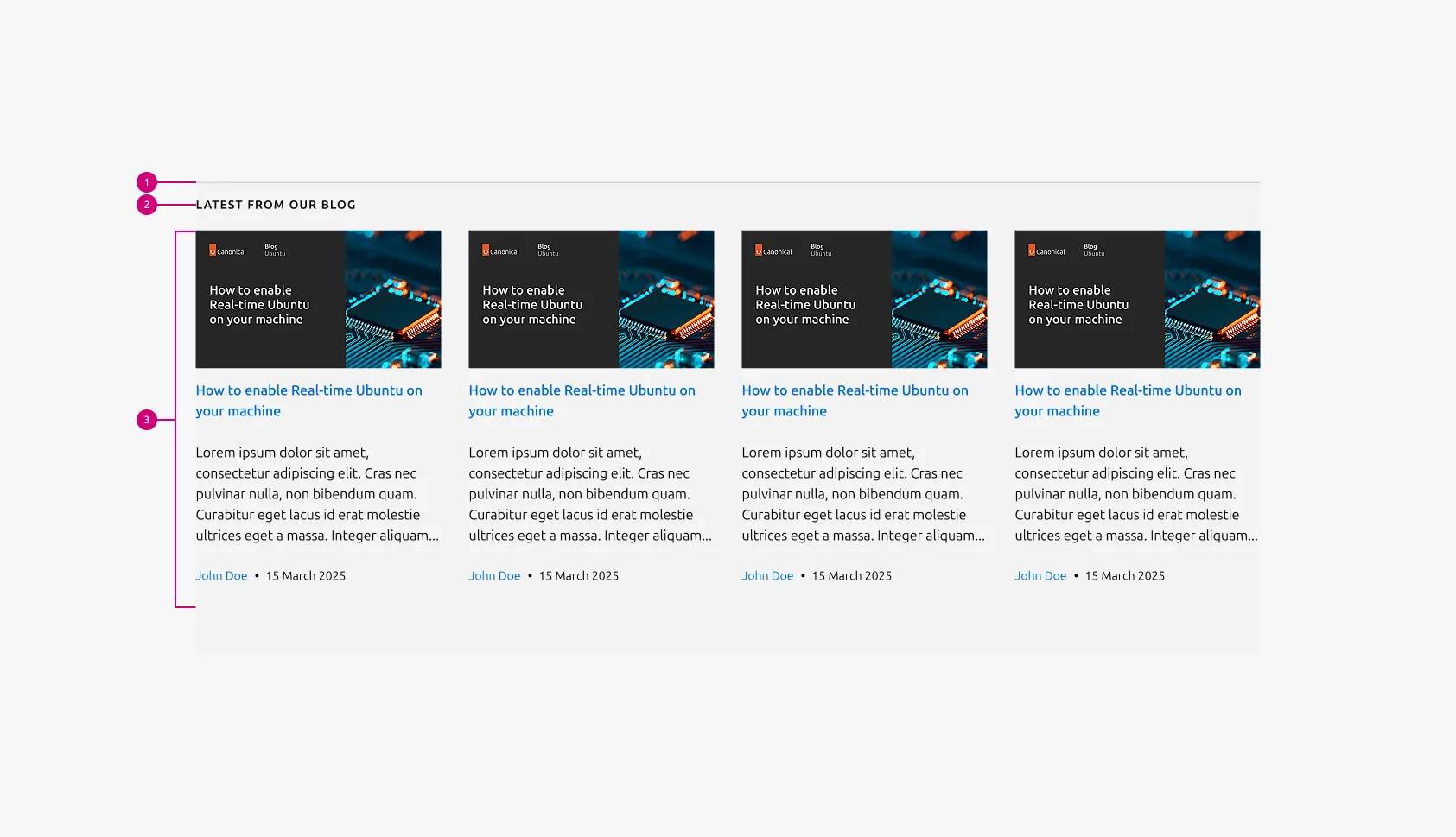
Usage
The Blog pattern displays 3–4 articles in a grid layout, each using the Resource block. By presenting posts in a structured and scannable grid, the pattern enables quick comparison and encourages exploration of topics that support the narrative of the page.
The pattern supports both dynamic and static loading strategies. When connected to the latest news module, the blog pattern automatically pulls recent articles from a defined group, ensuring that the section remains fresh without requiring manual updates. This approach is ideal for pages that benefit from showcasing ongoing activity or frequently updated content. In contrast, static content allows to feature specific articles by providing custom descriptions, and imagery. This curated approach is useful when emphasizing certain messages or guiding users through a planned content journey.
The grid layout helps users scan titles, descriptions, authors, and publication dates with ease. Cover images provide quick visual context and improve engagement, while fallback imagery maintains uniformity across articles that do not include a native image. Limiting the pattern to three or four items reinforces clarity and prevents cognitive overload, ensuring that each featured article receives adequate attention.
When to use
- To feature the latest or most relevant blog posts.
- To highlight related articles that support the main content of a page.
- To provide users quick access to blog content without navigating to the blog index.
When not to use
- When the content includes mixed resource types such as webinars, case studies, or white papers, use Resources instead
Examples
Layout
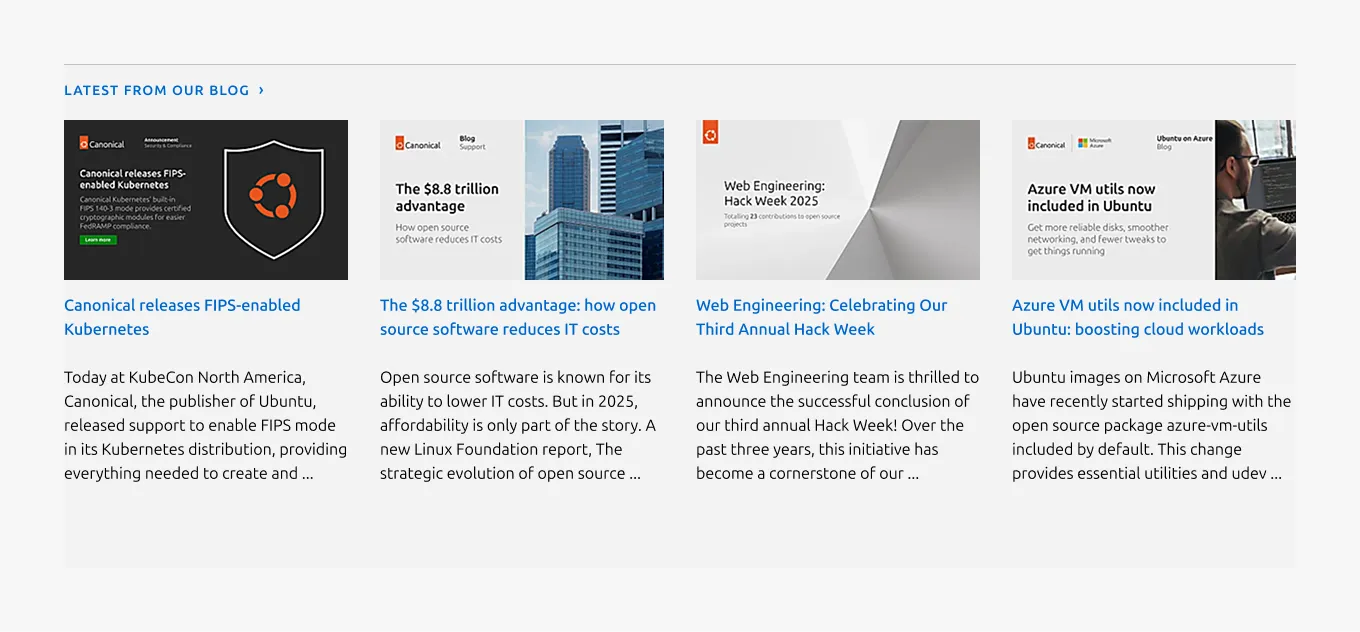
4-block layout with linked heading
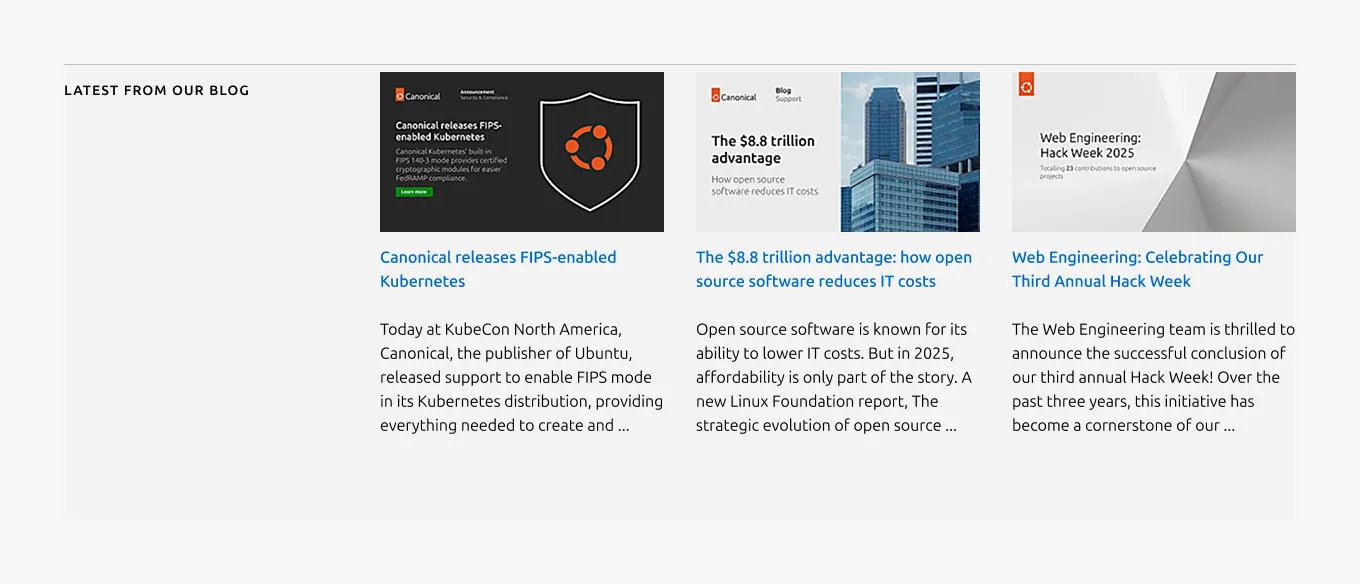
3-block layout
Responsive
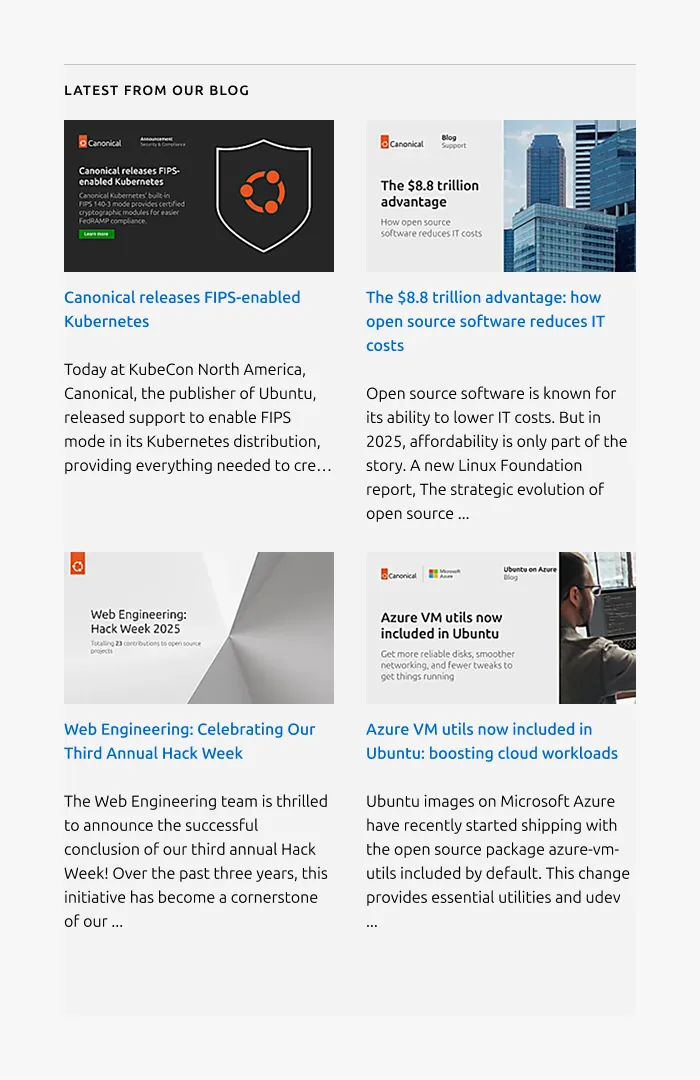
Medium dimension
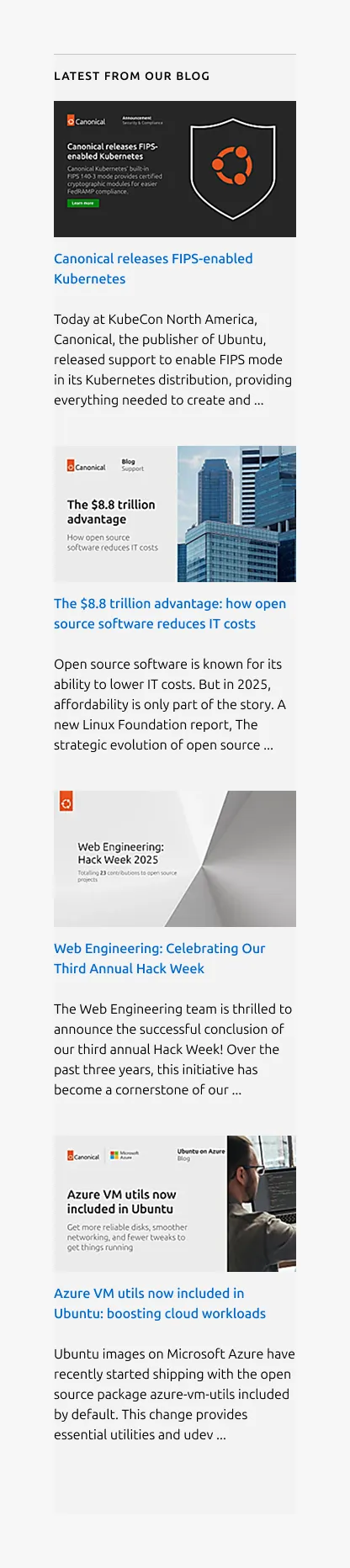
Small dimension
Properties
| Name | Type | Required | Description | Constraint | Options | Default option |
|---|---|---|---|---|---|---|
| Section rule | object | Yes | The rule component indicates the beginning of a new pattern | Only use the default style for the section-level rule | default | default |
| Linked heading | single select | No | The heading may function as a link when clearly indicated. | - | default, link | default |
| Heading | string | Yes | 2-column width heading using muted heading | Up to 60 characters | - | - |
| Bottom padding | single select | Yes | The type of padding applied to the bottom of the pattern | - | default, deep, shallow, none | default |
| Number of articles | single select | No | It determines the number of articles to display in the section. | - | 3-block, 4-block | 4-block |
| Content loading strategies | object | Yes | The blog pattern supports two content loading strategies:
- Dynamic content: Articles are loaded asynchronously using a template Static content: Articles are passed directly to the pattern | - | dinamic, static | - |
Child properties
Resource block
| Name | Type | Required | Description | Constraint | Options | Default option |
|---|---|---|---|---|---|---|
| Article title | string | Yes | Title configuration for the article; functions as a link to the resource | Dynamic: - Static: up to 100 characters | - | - |
| Article description | string | No | Description text for the article Dynamic: displays the first 180 characters of the article. Static: a custom description should be provided. | Dynamic: 180 characters (with the truncation) Static: up to 300 characters | - | - |
| Citation author | string | No | Author name text in the citation | Up to 20 characters | - | - |
| Citation date | string | No | Publishing date in the citation format “DD Month YYYY” | - | - | - |
| Image | object | No | Cover image for the article. In the blog pattern, it is required and falls back to a default image when not provided. In the resources pattern, it supports 16:9 image, logo, or none as options. | - | - | - |
| Citation | object | No | Author/date field in small text and supports showing either or both. | - | - | - |
Change log
| Who | When | What |
|---|---|---|
| Isaac Kim | 08.12.2025 | Initial commit |