
Resources
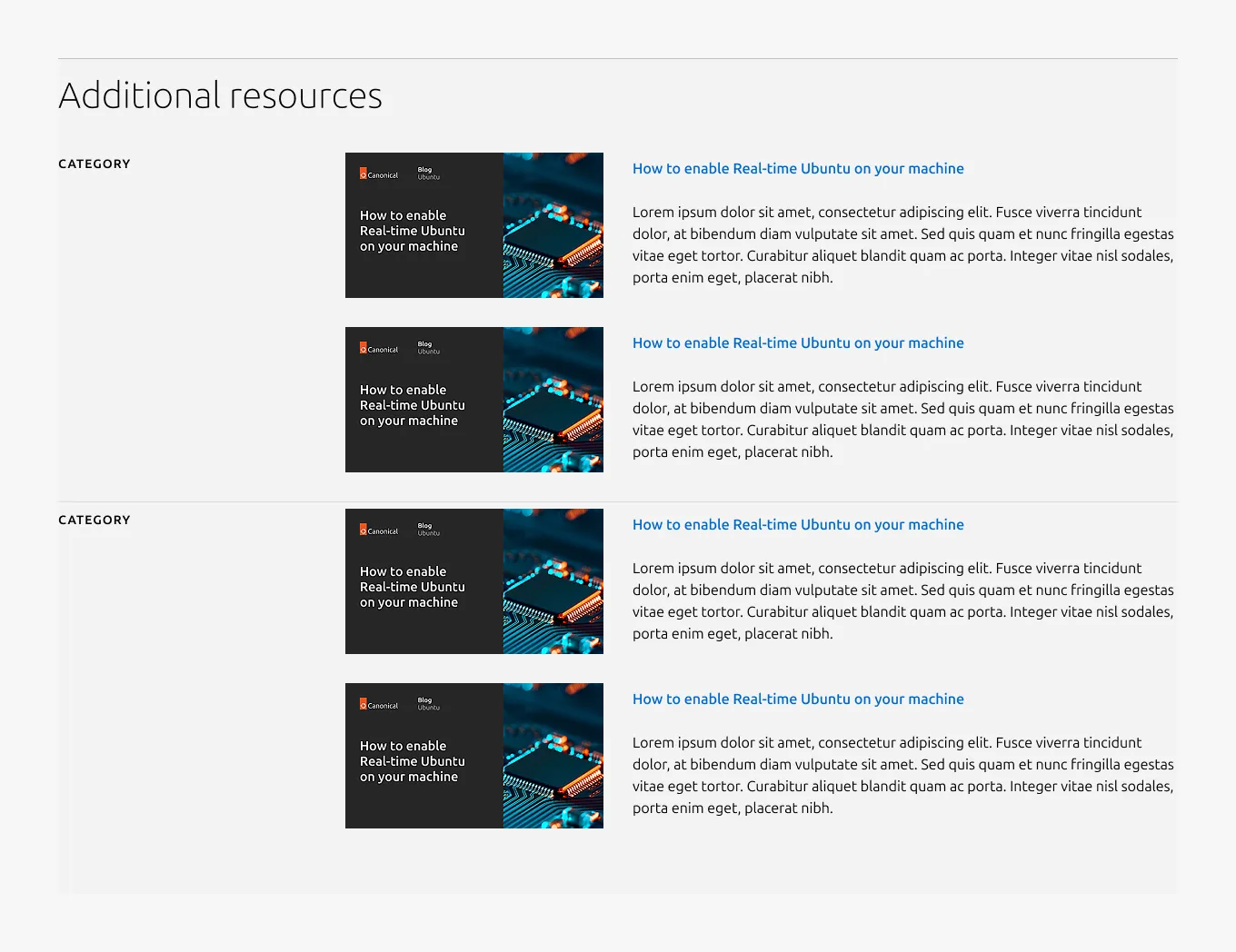
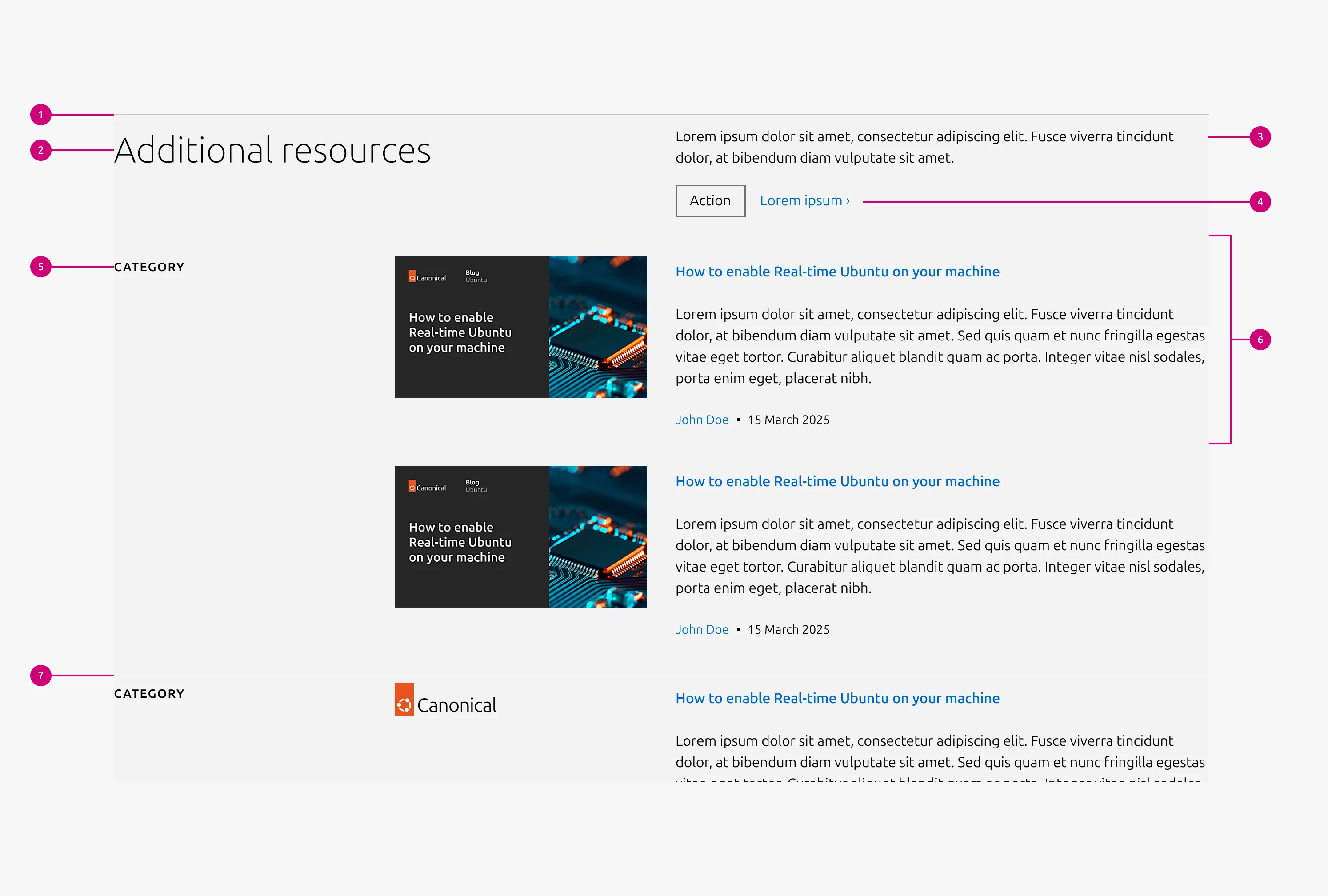
The resources pattern is used to display a collection of resources. Each resource can include a title and optional image, description, author(s), and publication date.


Anatomy
Usage
The resources presents a variety of resources at a glance on one level. It supports between 1 and 5 categories (video, webinar, case study, blog, solution brief, white paper, report, etc.), each containing 1–5 items using the Resource block. This layout is intended for cases where showing multiple types of resources in a compact view.
For blog, it supports both static content and API-fetched blog posts by tag/category. Imported blog descriptions are truncated after 180 characters. If a specific blog article needs to be included, a static description must be provided.
When to use
- To present various curated resource types at a glance
- To supplement a page where resources are not the main content
- To provide quick access to mixed resource formats in a compact layout
When not to use
- When the content is limited to the recent blog posts only; use the Blog pattern instead
Examples
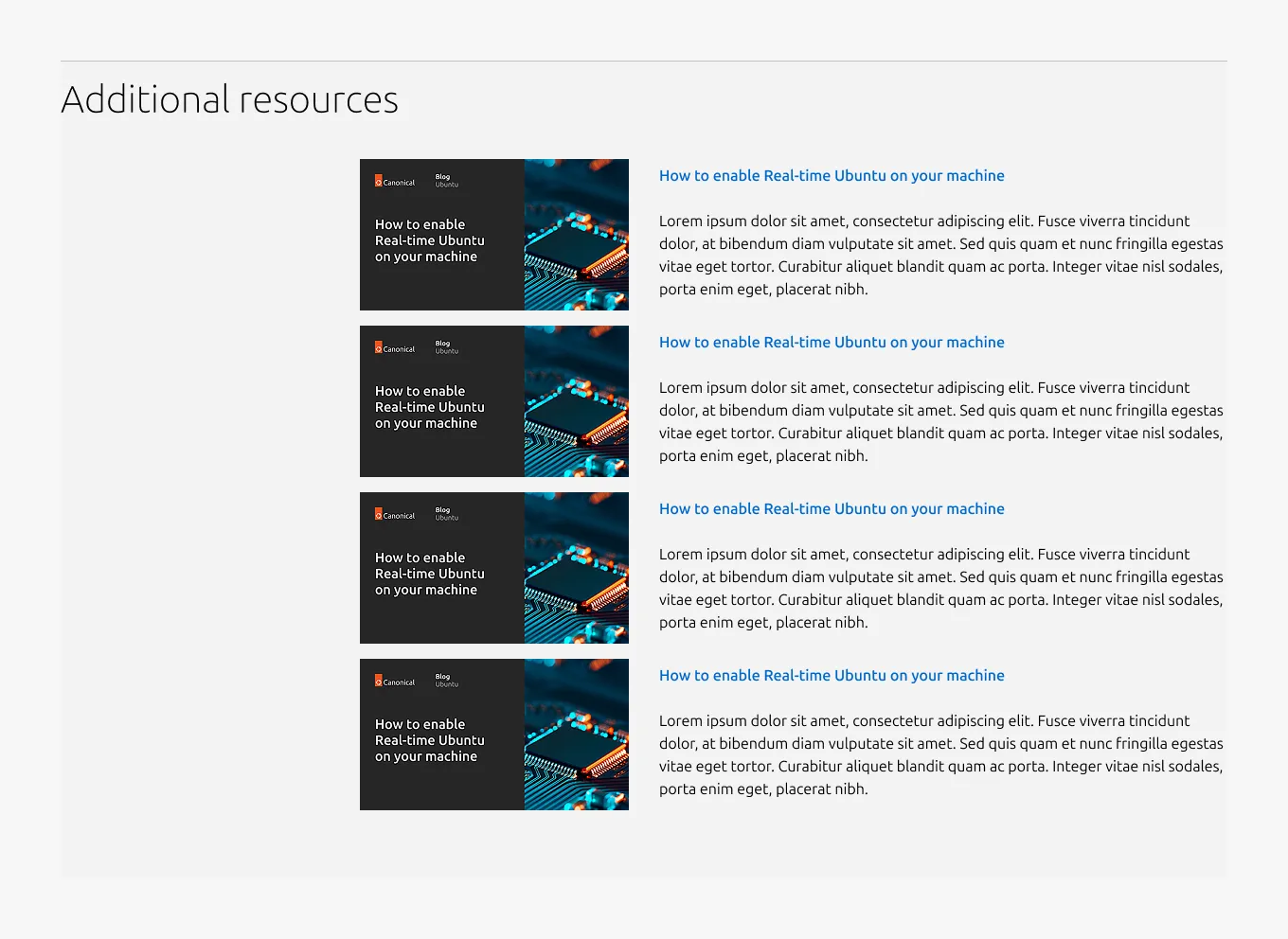
Medium dimension
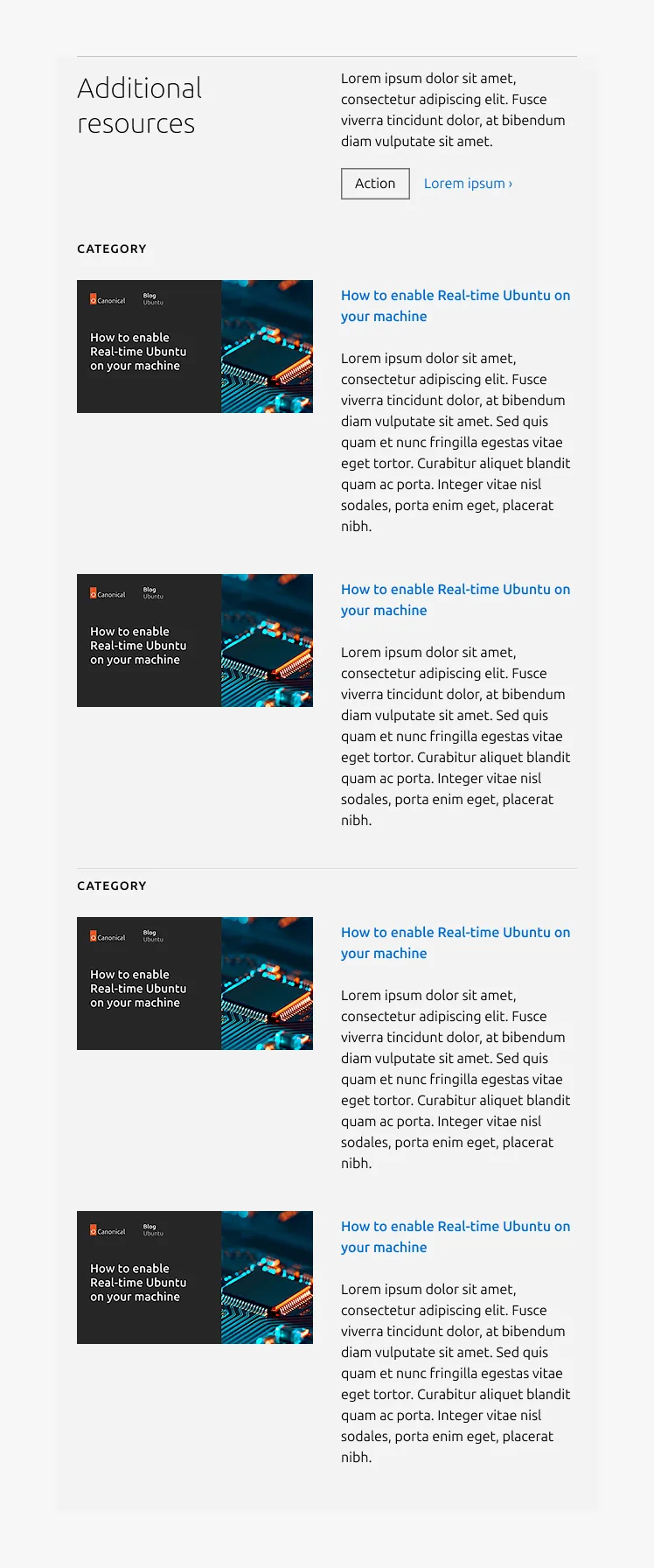
Small dimension

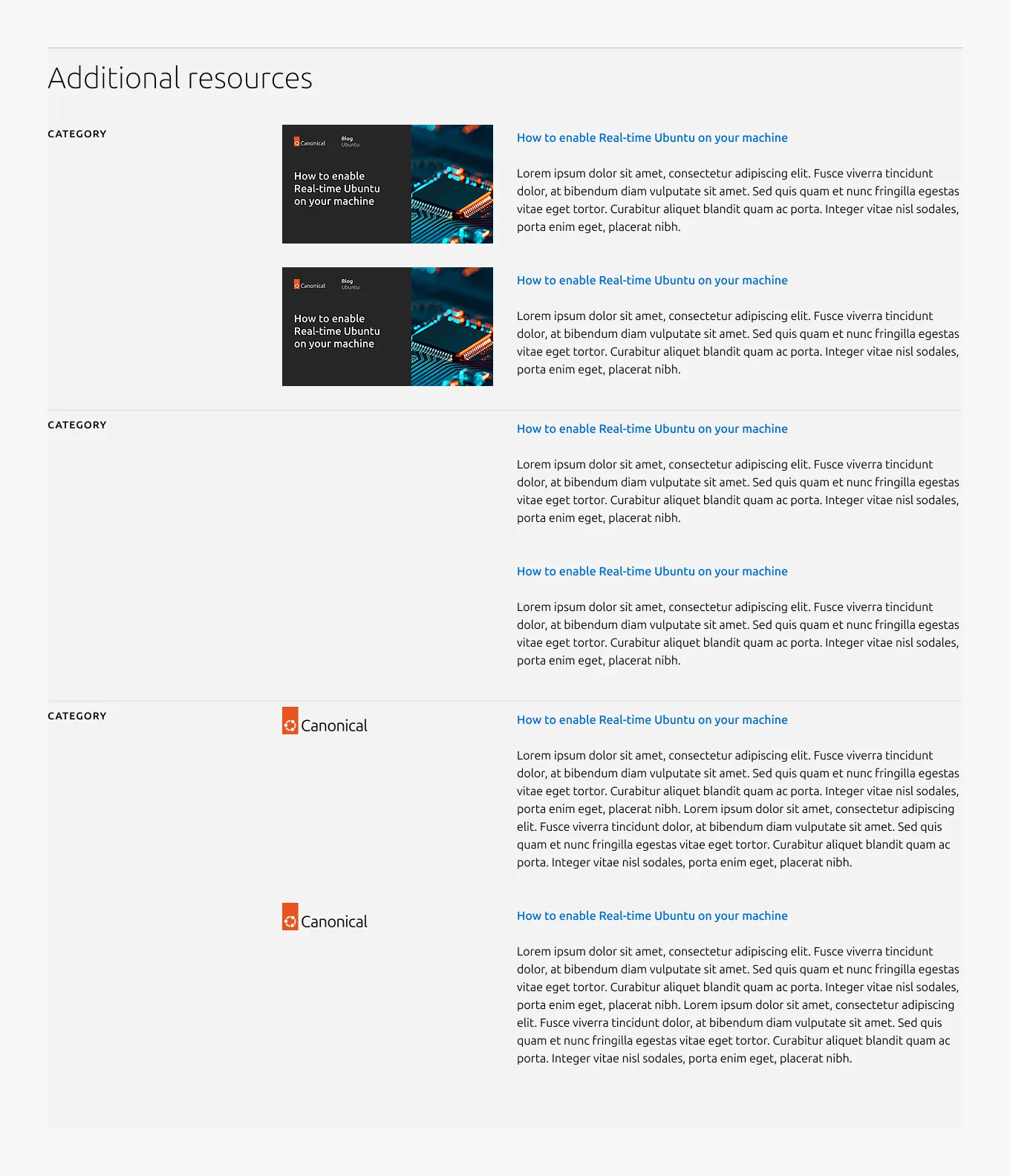
Without
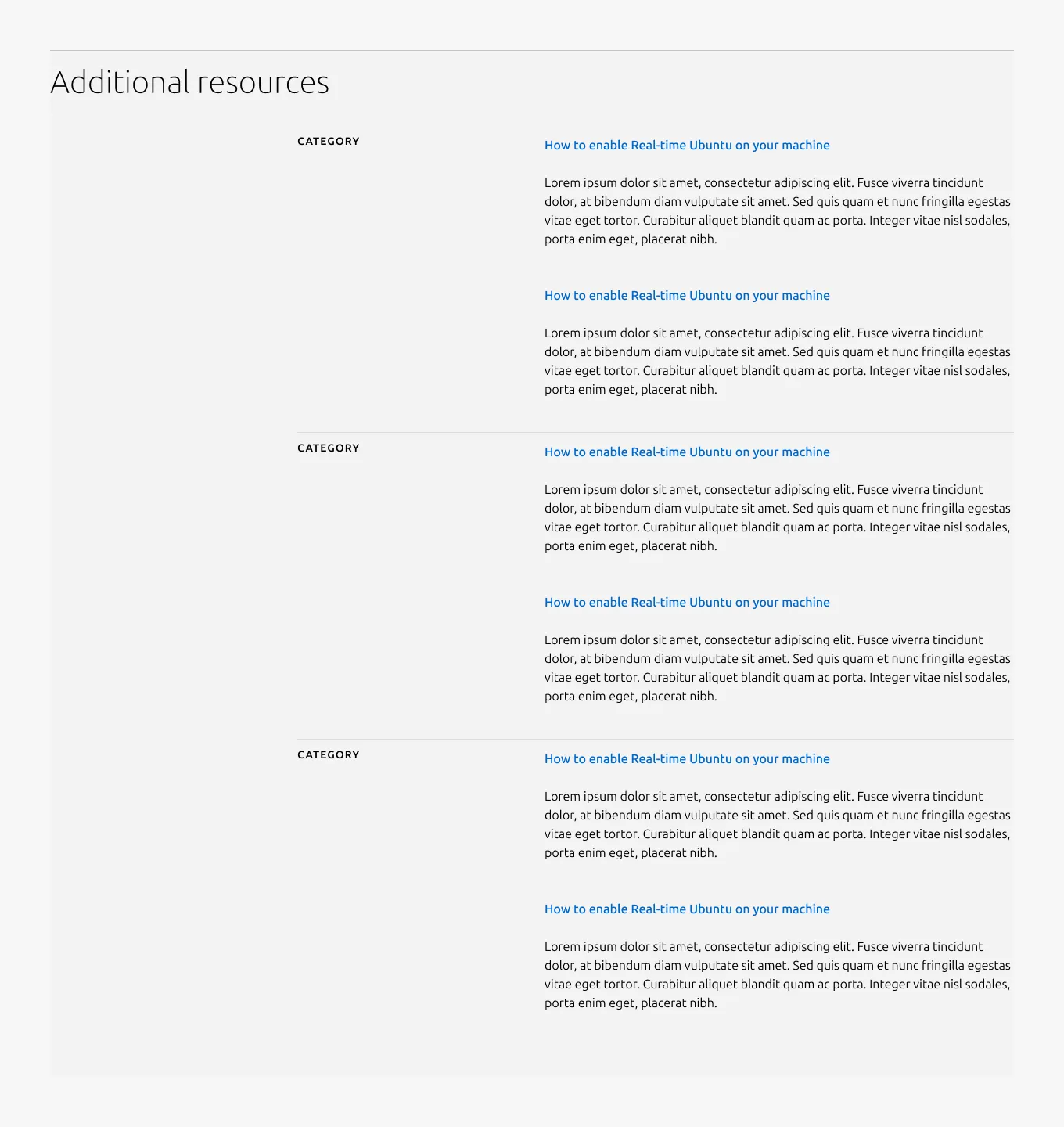
Without Category
Mixed image types used
Properties
| Name | Type | Required | Description | Constraint | Options | Default option |
|---|---|---|---|---|---|---|
| Section rule | object | Yes | The rule component indicates the beginning of a new pattern | Only use the default style for the section-level rule | default | default |
| Heading | string | Yes | 4-column width heading using H2 | Up to 60 characters | - | - |
| Linked heading | single select | No | The heading may function as a link when clearly indicated. | - | default, link | default |
| Bottom padding | single select | Yes | The type of padding applied to the bottom of the pattern | - | default, deep, shallow, none | default |
| Categories | object | No | List of categories, containing category title and 1 to 5 article blocks | 2-5 categories can be displayed within a single section | - | - |
| Category heading | string | No | 2-column width H3 heading in muted heading style | Up to 60 characters | - | - |
| Body | string | No | 4-column width body text | Up to 600 characters | - | - |
Child properties
CTA block
| Name | Type | Required | Description | Constraint | Options | Default option |
|---|---|---|---|---|---|---|
| Primary CTA | string | No | The CTA used with the positive button style. It indicates a high-priority, positive action and is reserved for hero areas or other key call-to-action sections. | Up to 20 characters | - | - |
| Secondary CTA | string | No | The CTA using the default button style. It is used for most actions that are positive but not primary, and may serve as the main CTA in non-hero sections. | Up to 20 characters | - | - |
| Link CTA | string | No | The text link used for contextual actions or pathways to more information. It uses a chevron (›) to indicate navigation to additional content or pages. | Up to 60 characters | - | - |
Resource block
| Name | Type | Required | Description | Constraint | Options | Default option |
|---|---|---|---|---|---|---|
| Article title | string | Yes | Title configuration for the article; functions as a link to the resource | Dynamic: - Static: up to 100 characters | - | - |
| Article description | string | No | Description text for the article Dynamic: displays the first 180 characters of the article. Static: a custom description should be provided. | Dynamic: 180 characters (with the truncation) Static: up to 300 characters | - | - |
| Citation author | string | No | Author name text in the citation | Up to 20 characters | - | - |
| Citation date | string | No | Publishing date in the citation format “DD Month YYYY” | - | - | - |
| Image | object | No | Cover image for the article. In the blog pattern, it is required and falls back to a default image when not provided. In the resources pattern, it supports 16:9 image, logo, or none as options. | - | - | - |
| Citation | object | No | Author/date field in small text and supports showing either or both. | - | - | - |