
Contextual menu
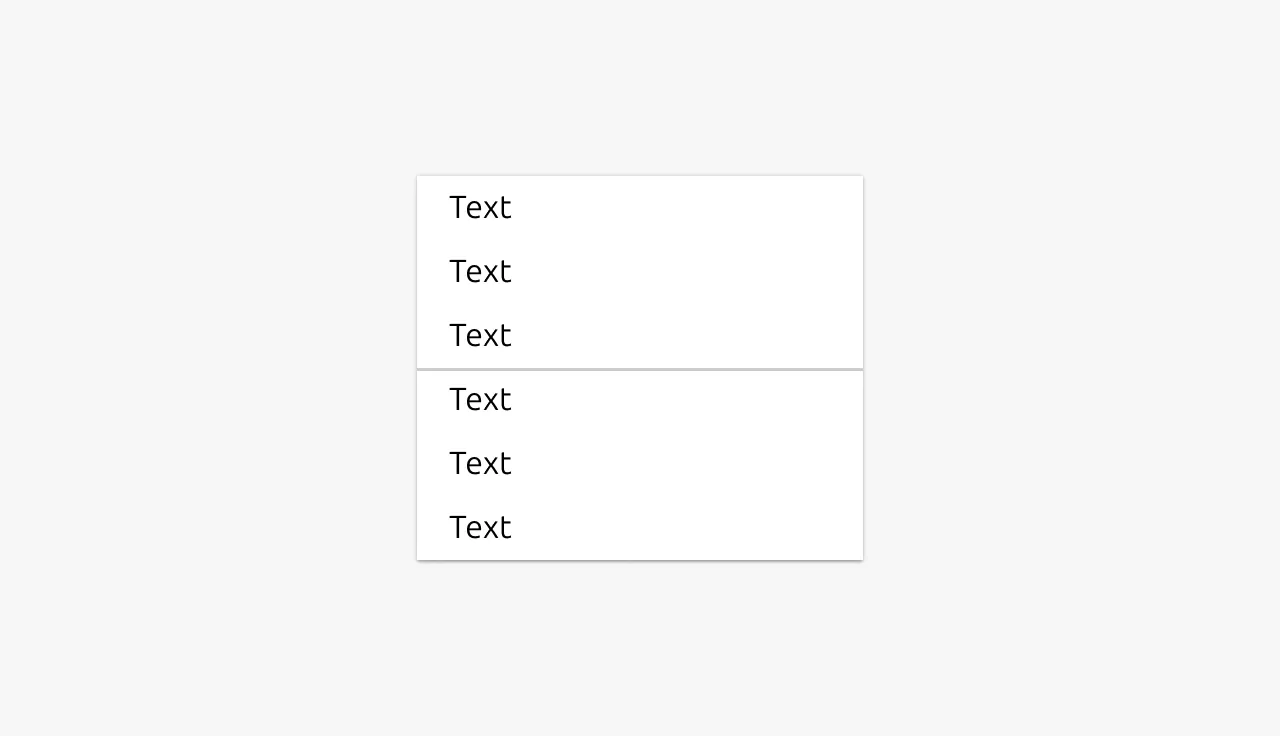
A contextual menu provides secondary actions and options that can be attached to various interface controls, including Buttons, command Links, and right-click interactions. It displays relevant actions based on the context of the element or area it's associated with, helping to keep the interface clean while making additional functionality easily accessible when needed.


Anatomy
Usage
A contextual menu provides secondary actions and options that can be attached to various interface controls, including Buttons, command Links, and right-click interactions. It displays relevant actions based on the context of the element or area it's associated with, helping to keep the interface clean while making additional functionality easily accessible when needed.
Contextual menus are designed to initiate and perform actions, not to collect input from users. They work best for presenting action-oriented options that transform, manipulate or delete based on the user's selection.
Grouping actions
When a contextual menu contains many actions, consider organizing them into logical action groups to improve scannability and reduce cognitive load. Group related actions together based on their function or purpose.
Common grouping categories include:
- Edit actions: Copy, cut, paste, duplicate
- Organization actions: Move to folder, rename, sort
- Sharing and permissions: Share, change permissions, export
- Destructive actions: Delete, archive, remove (typically separated at the bottom)
- View options: Open in new tab, preview, download
Managing menu length
Avoid letting contextual menus grow too long, as this creates cognitive overload and makes scanning difficult. If you have many actions available:
- First, group related actions using the categories mentioned above to improve organization
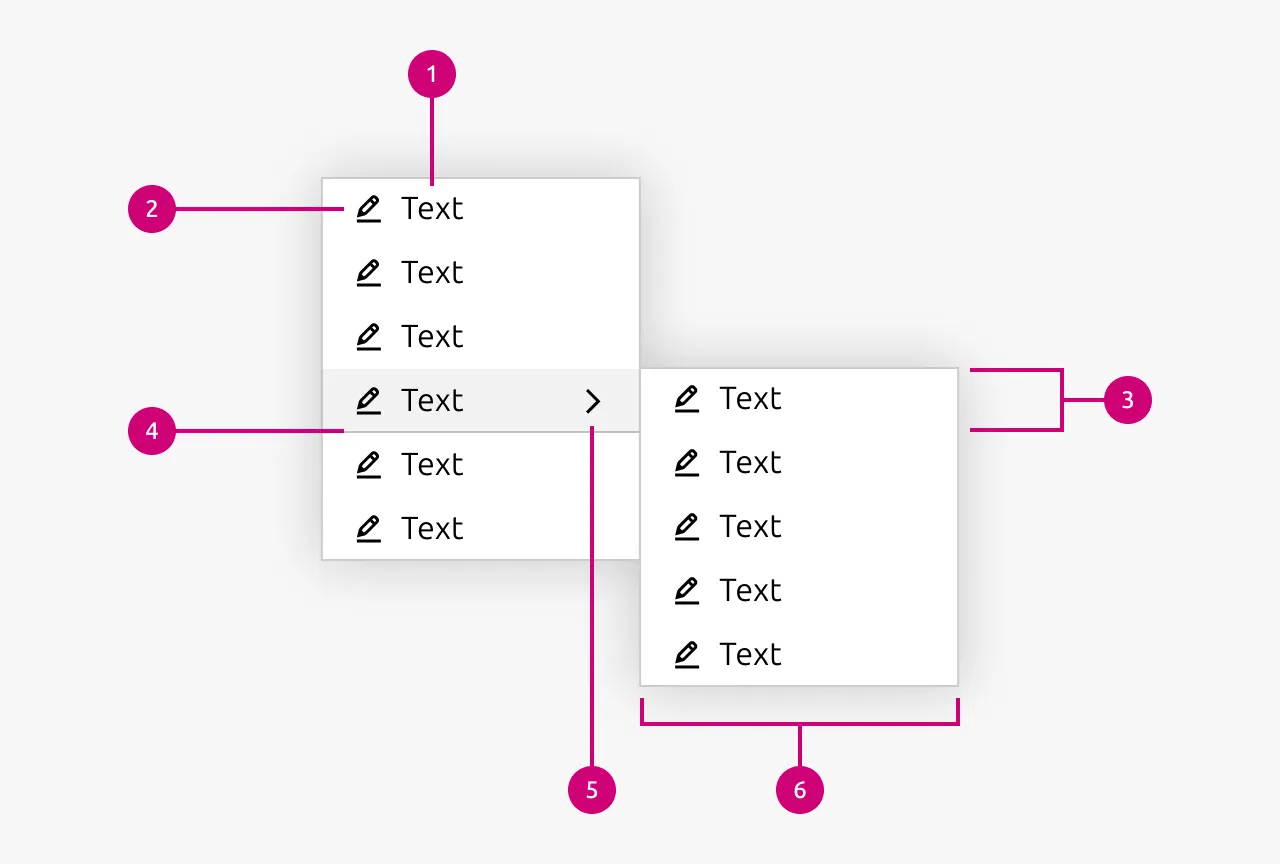
- For longer lists, consider nesting actions into submenus to reduce the initial visual complexity
- Evaluate whether all actions are truly necessary in the contextual menu, or if some could be moved to a dedicated settings area or toolbar
When to use
- Providing secondary actions for specific elements or content items
- Offering context-specific operations that relate to a selected item or area
- Keeping the primary interface clean by hiding less frequently used actions
- Right-click functionality where desktop conventions apply
When not to use
- As an input method for forms or filters (use Select instead)
- For collecting user preferences or settings that require input selection
- When the actions are primary and should be immediately visible
- For navigation that serves as the main way to move through your application
Properties
| Name | Type | Required | Description | Constraint | Options | Default option |
|---|---|---|---|---|---|---|
| Actions | object | Yes | The actions that this contextual menu should have. Optionally also sets wether specific actions should be grouped in action groups. | - | - | - |
Change log
| Who | When | What |
|---|---|---|
| Maximilian Blazek | 21.11.2025 | Initial commit |
| Maximilian Blazek | 13.02.2026 | Add links |
| Daniel Mutis | 03.12.2025 | Reviewed |
| Maximilian Blazek | 01.12.2025 | Added description, anatomy descriptions, Usage guidelines and properties |