
Data spotlight
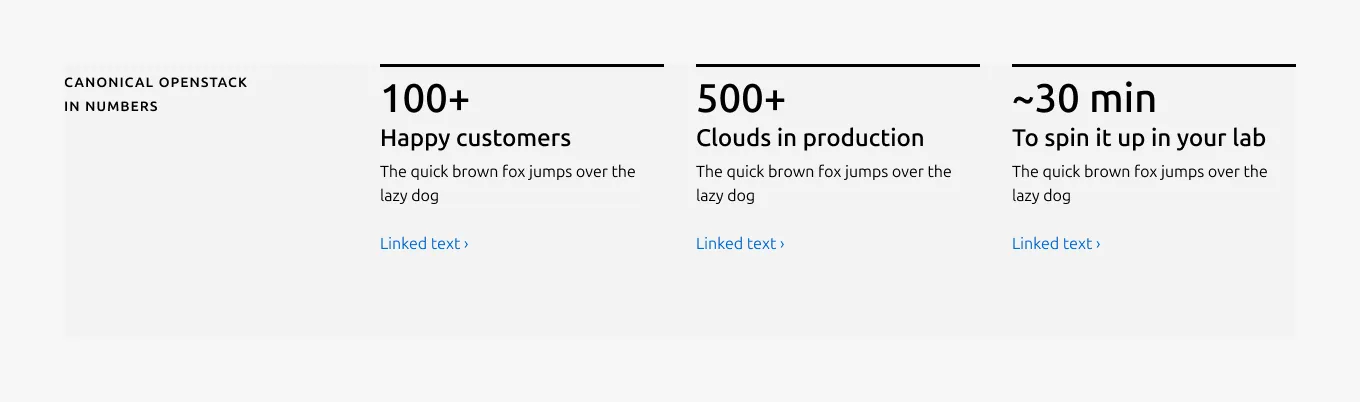
The data spotlight pattern presents key statistics as the primary content, supported by short Headlines and optional Bodys. It is designed to surface important numbers in a clear, scannable layout that helps users quickly understand impact, scale, or outcomes.


Anatomy
Usage
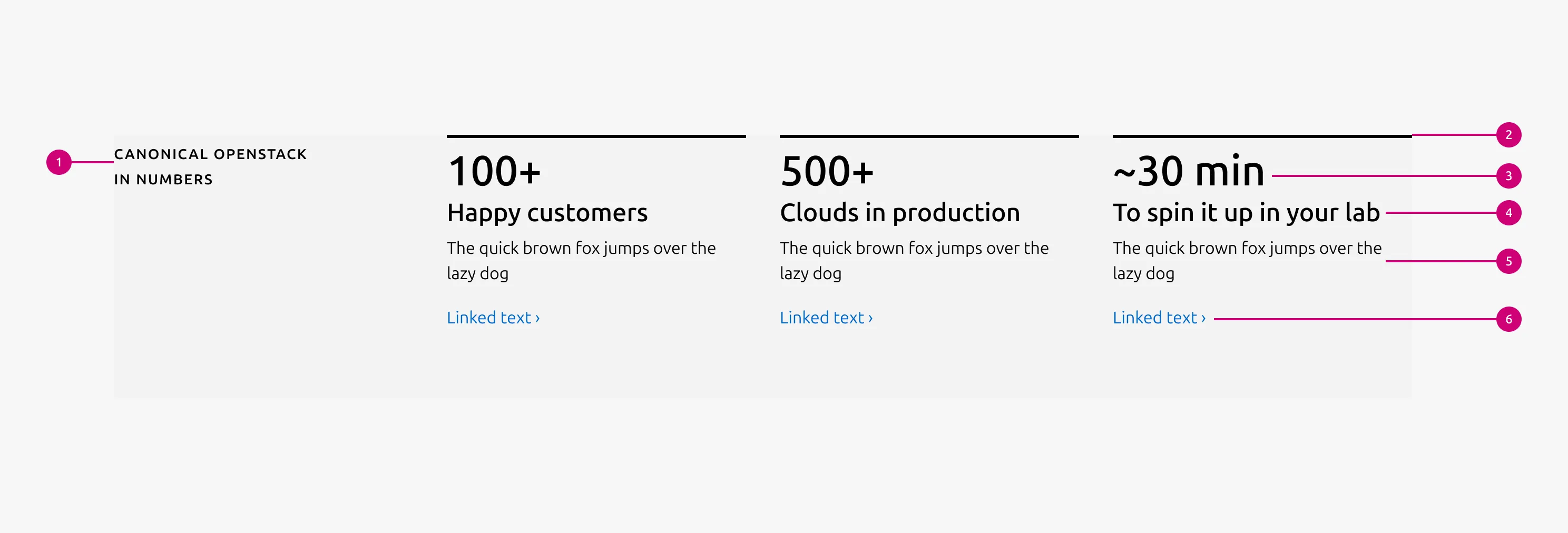
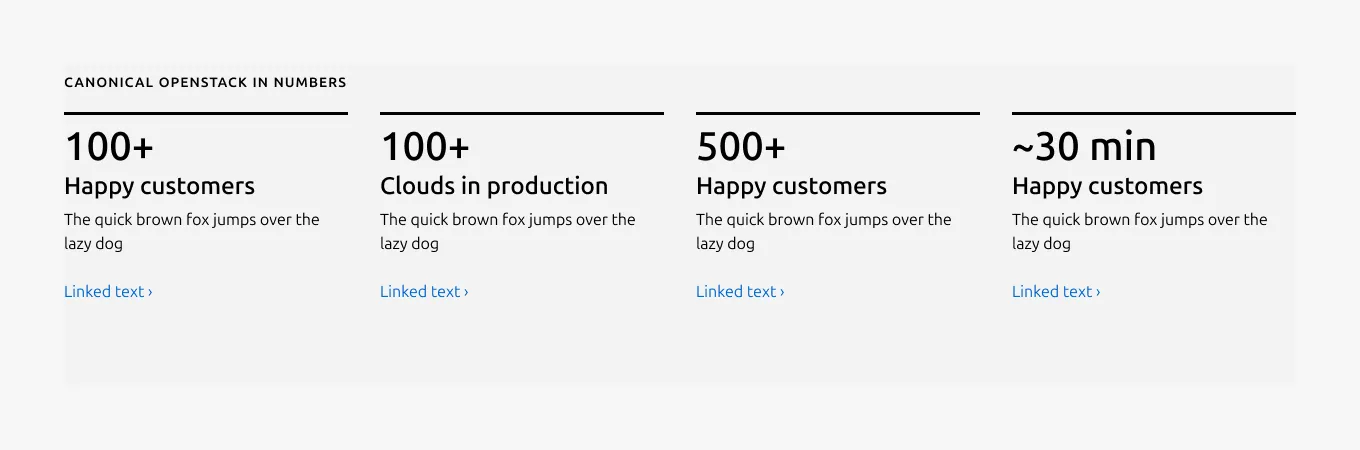
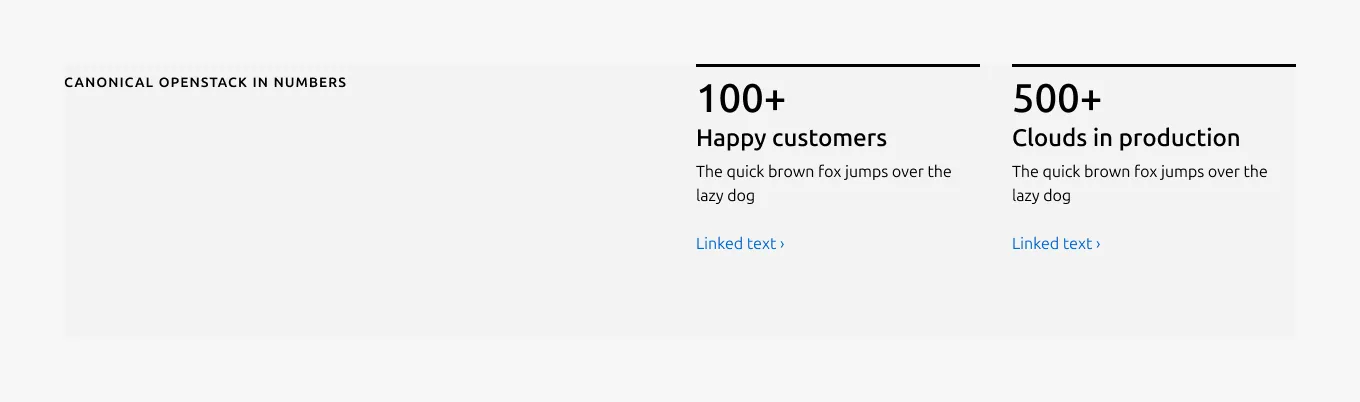
The data spotlight pattern is used to present key numeric information as the primary focus of a section, allowing users to quickly scan and understand important metrics at a glance. It is composed of a visually emphasized blocks that combines a highlight rule, a Numeric stat with a short Headline, optionally supported by a brief Body and a Link for further exploration. The pattern supports 2–4 blocks, with strict character limits to ensure clarity and visual consistency.
Contents guide
- Use numeric values to represent measurable data points
- Keep stats concise and scannable, with a maximum of 10 characters
- Units or numeric modifiers may be included when needed (for example: %, x, min, +, -, ~)
- Use abbreviations and symbols to improve readability at a glance
- Prefer compact numeric expressions over spelled-out text
Abbreviation guidelines
- Use + instead of “more than” (for example, 10+)
- Use ~ instead of “up to” or “approximately” (for example, ~10)
- Use abbreviated units such as min, sec, hrs instead of full words
Good examples
- 10+
- ~10
- 99.9%
- 3x
- 15 min
Avoid
- Spelled-out units or phrases (for example, “minutes”, “more than 10”)
- Long or complex expressions that reduce scannability
- Combining multiple values in a single stat
When to use
- To draw attention to important data points or achievements
- To support a story with clear, easy-to-digest numbers
- To summarize key metrics in a simple and consistent layout
When not to use
- When the content is descriptive text rather than numeric data, please use Text spotlight instead
- When you have fewer than 2 or more than 4 stats
- When detailed explanations are required instead of concise highlights
Examples
Layout
Large dimension (4 blocks)
Large dimension (3 blocks)
Large dimension (2 blocks)
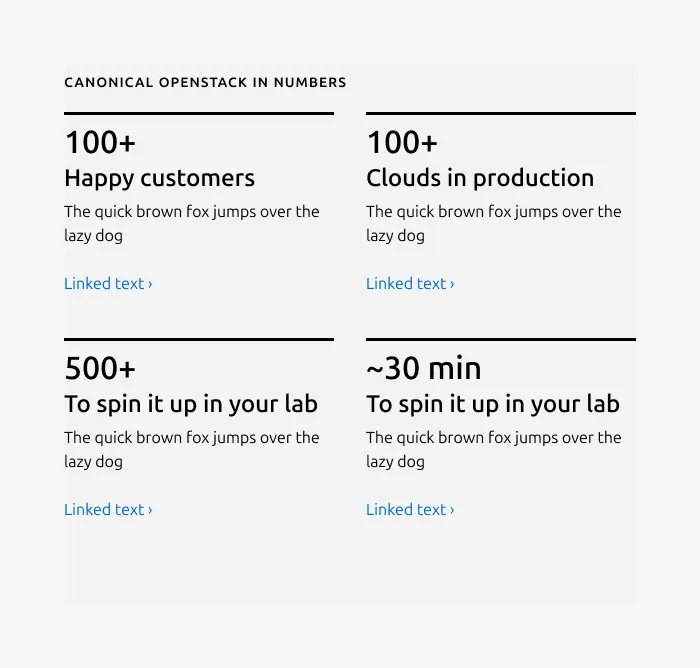
Medium dimension (4 blocks)
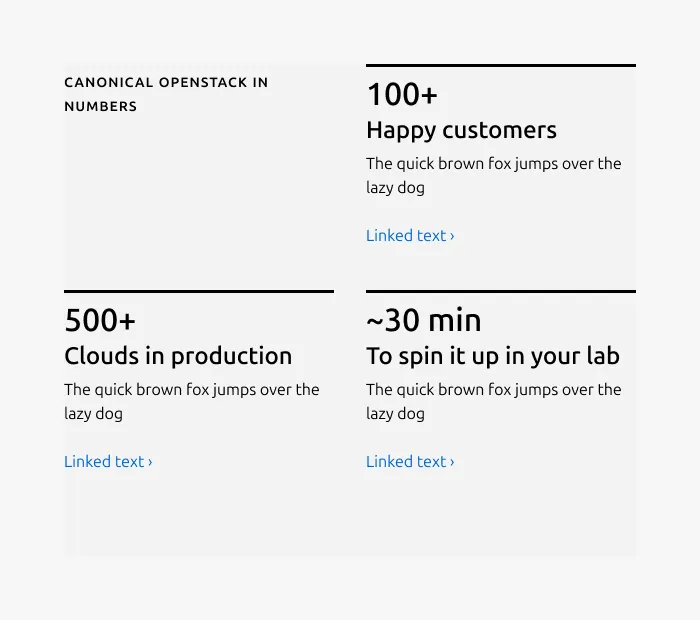
Medium dimension (3 blocks)
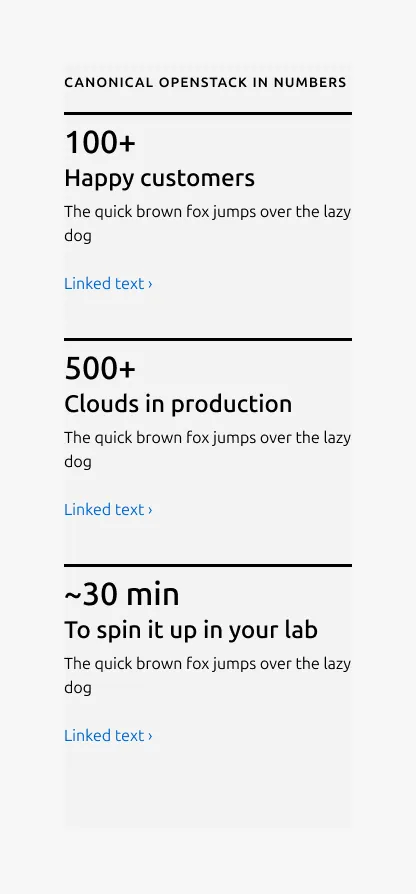
Small dimension
Usage example
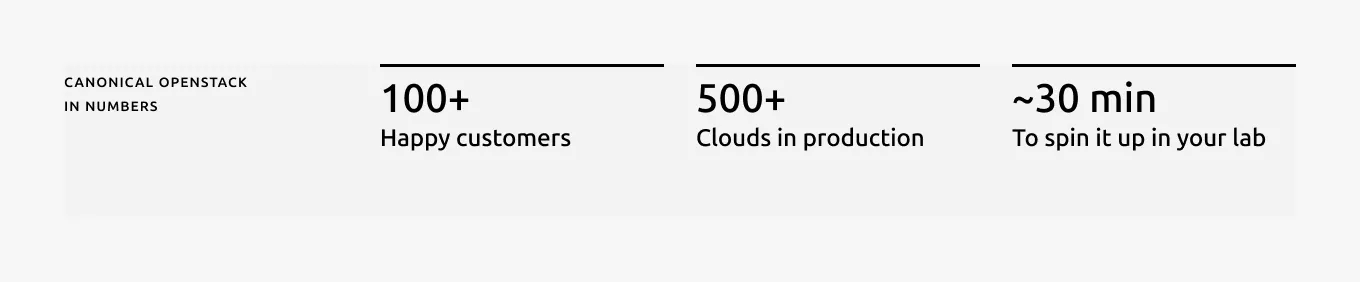
Without Body
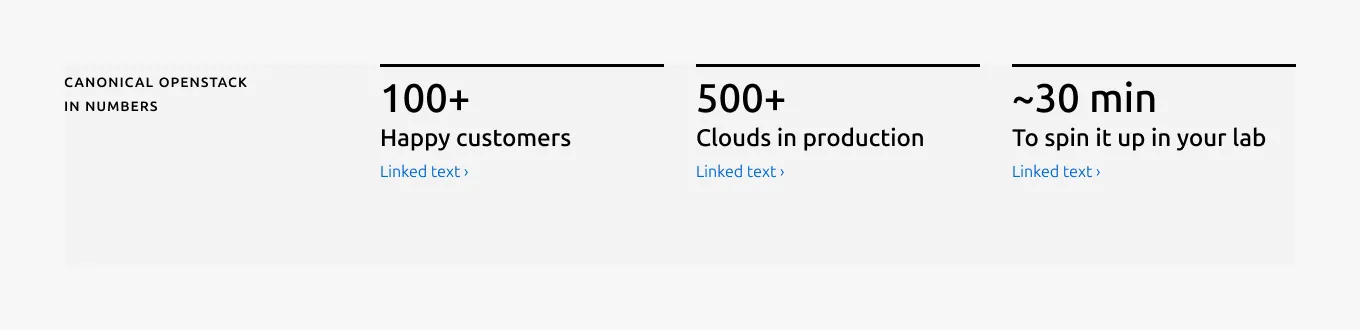
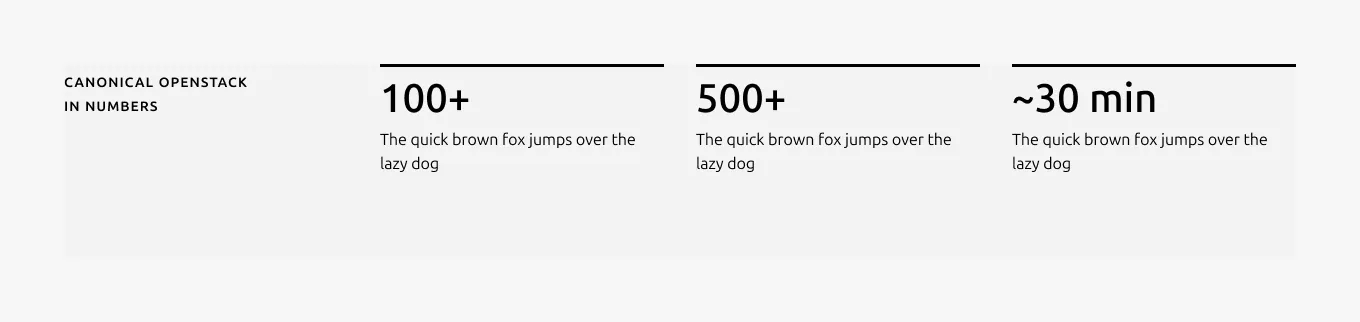
Without Headline
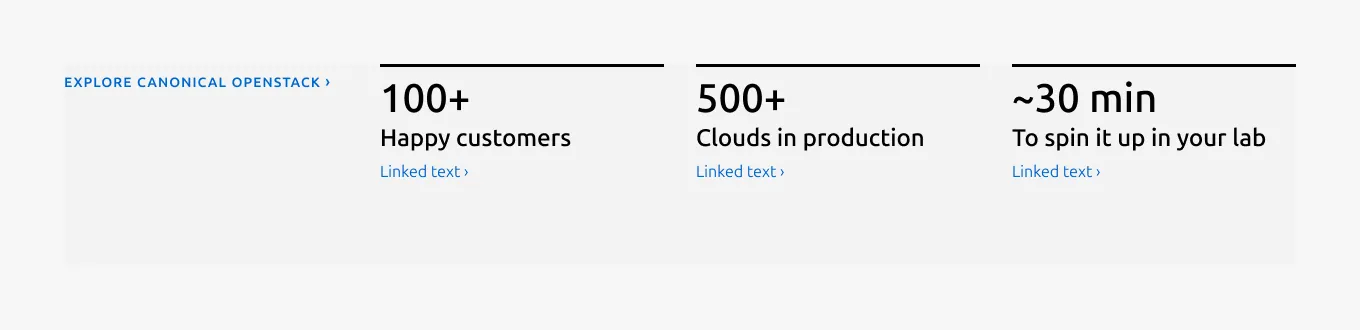
Link style heading
Properties
| Name | Type | Required | Description | Constraint | Options | Default option |
|---|---|---|---|---|---|---|
| Linked heading | single select | No | The heading may function as a link when clearly indicated. | - | default, link | default |
| Heading | string | Yes | 2-column width heading using muted heading | Up to 60 characters | - | - |
| Data spotlight block | object | Yes | This block consists of the required highlight rule, stat, along with an optional headline, description and link. 2, 3 or 4 blocks can be used within the pattern. The height is determined by the item with the longest line in the same row. | - | 2 blocks, 3 blocks, 4 blocks | - |
| Block rule | object | Yes | The rule component used to emphasize each data block and create separation. | - | highlight | highlight |
| Numeric stat | string | Yes | 2-column width stat text with H1 style | Up to 10 characters | - | - |
| Headline | string | No | Optional 2-column width headline text with H3 style for each stat. | Up to 20 characters | - | - |
| Body | string | No | 2-column width body text | Up to 300 characters (The content is recommended to be limited to a single sentence) | - | - |
| Bottom padding | single select | Yes | The type of padding applied to the bottom of the pattern | - | default, deep, shallow, none | default |
| Link CTA | string | No | The text link used for contextual actions or pathways to more information. It uses a chevron (›) to indicate navigation to additional content or pages. | Up to 60 characters | - | - |
Change log
| Who | When | What |
|---|---|---|
| Maximilian Blazek | 13.02.2026 | Add links |